367 slot Casino Mobile App
Mobile-first access to live-dealer tables and football betting has become standard across Indonesia's payment networks. We at 367 slot designed our app to work seamlessly on Android devices, via iOS browser, and as a web application—each path optimized for low-bandwidth conditions and quick table entry during peak tournament seasons like Liga 1 and Piala AFF.

- LoginOTP Verification
- SHA256 Match
- Installin
We recognize that players access 367 slot from a range of devices and connection types. Our platform prioritizes fast load times, offline caching for game histories, and push notifications for live-match updates. Whether you prefer downloading an APK or opening a browser tab, we ensure your account, payment methods, and betting slip remain synchronized across all access points.
Installation takes minutes. Once registered on 367 slot, you can fund your account via DANA, e-wallet, mobile banking, or bank transfer, then move directly to live blackjack, roulette, or football markets without additional setup steps. Our multilingual support team can assist with login recovery and device-related questions if you encounter any friction during installation or first use.
How to access 367 slot on mobile
Android APK
Download and install directly to your Android device. Requires Android 7.0 or later. Installation from unknown sources must be enabled in device settings.
Get Android APKiOS or web browser
Open 367 slot in Safari (iOS 12+) or any mobile browser on Android or desktop. No installation needed; your account and settings sync automatically.
Open in browserWe at 367 slot maintain feature parity across Android APK and browser access. Live-dealer video streams, account balance, transaction history, and withdrawal requests function identically on both platforms. Choose the access method that suits your device and connection type; your progress and funds remain linked to your 367 slot account regardless of how you log in.
Installing 367 slot on your device
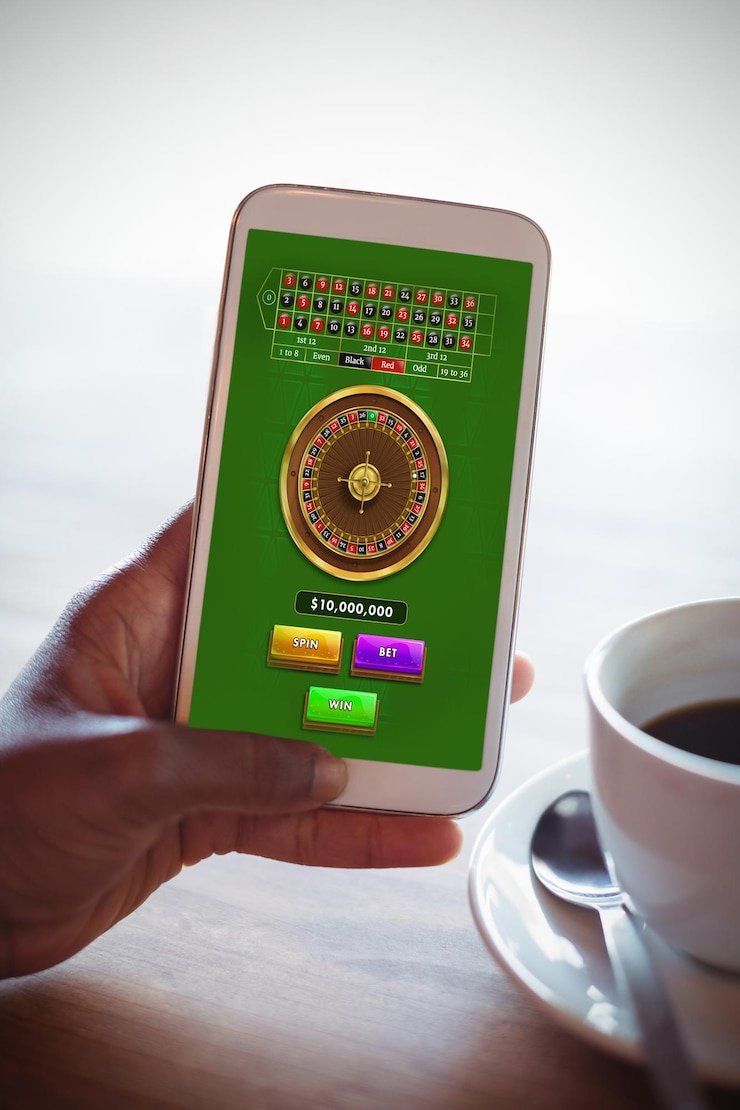
Step-by-step for Android
- Download the APK file: Visit 367 slot on your Android device, navigate to our app section, and tap the download button to save the APK.
- Enable unknown sources: Go to Settings → Security → Unknown Sources and toggle the option on (exact menu names vary by device).
- Install the APK: Open your file manager, locate the downloaded APK, and tap to install. Follow the on-screen prompts.
- Launch and register: Open 367 slot, create your account or sign in, complete KYC verification, and add a payment method to begin playing.
If you prefer not to enable unknown sources, use a mobile web browser instead. Open our website directly in Chrome, Firefox, or your device's default browser, and you can access the same live tables and betting markets without an APK installation.
App versus browser: what we offer
Our 367 slot Android APK provides offline caching, which allows your game history and account summary to load even if your connection drops momentarily. Push notifications alert you when a football match goes live or when a withdrawal completes. The app also integrates deeper with your device's storage, so you can store your login session locally for faster repeat access. Browser access, by contrast, requires a fresh connection each session and does not cache notifications, but it avoids installation steps and works identically on iOS, Android, and desktop.
Browser is your fallback
If you run into APK installation issues, simply use your mobile browser to access 367 slot. You will not lose any account data or funds; everything syncs through your login credentials.
Device compatibility
We at 367 slot support Android 7.0 (API 24) and later, covering the vast majority of devices in circulation. On iOS, you can access 367 slot through any browser on iOS 12 or later (iPhone 5s and newer). For older or low-memory devices, browser access often performs better than an APK installation because it offloads processing to our servers. Our live-dealer video streams adapt their resolution automatically based on your connection speed—so even on 3G or a weak WiFi signal, you can watch a roulette spin or football match without constant buffering.
Troubleshooting common installation issues
If your Android device blocks the APK installation, check that "Install apps from unknown sources" is enabled in Security settings. Some devices require you to enable this permission per app rather than globally—if so, tap the file manager's menu and grant permission there. If the APK download stalls, ensure you have at least 100 MB of free storage and a stable internet connection. Certificate warnings on iOS browsers are uncommon but can occur on older iOS versions; updating to the latest iOS usually resolves this. If you see an "app not installed" error after download, your device may lack sufficient space; delete unused apps and try again. Our support team can email you a direct APK link if the standard download path fails.

Data, permissions, and account security
Our 367 slot mobile app requests permission to access your device's storage (for offline caching) and notification settings (for match alerts and withdrawal confirmations). We do not access your contacts, camera, or microphone. All data transmitted between your device and 367 slot is encrypted using SSL (Secure Sockets Layer), the same standard used by banks and payment platforms like mobile banking and local payment. Your password is never stored on your device; we authenticate each session using secure tokens that expire after inactivity. When you log out or uninstall the app, no account credentials remain on your device. If your phone is lost or stolen, you can recover your 367 slot account by resetting your password through our website—no one can withdraw funds without your login credentials and KYC verification.
Using 367 slot on mobile: tips and support
Once you have installed 367 slot and completed KYC verification, fund your account using one of our supported payment methods. DANA and e-wallet transfers typically settle within minutes, allowing you to move directly to live-dealer tables. During major football events like Idul Fitri tournament breaks or Liga 1 finals, our servers experience higher traffic; if you notice a slow live-dealer stream, try refreshing or switching to a lower-resolution view—our app will auto-adjust if your connection is strained.
Keep your password secure and use the "Remember me" option only on devices you own. If you forget your login credentials, tap "Forgot password" on the login screen, and we will send a reset link to your registered email. Our support team responds to account recovery requests within standard business hours; expect a reply within one working day. For questions about deposit holds, withdrawal delays, or KYC document rejections, contact us via email or the in-app help center—we handle all account and payment matters through these channels, not via social media or unverified third parties.
Encrypted connection
All data sent to and from 367 slot is encrypted using SSL.
Standard response time
Support requests handled within typical business-day windows.
Multiple payment methods
Deposit and withdraw using mobile banking, local payment, online payment, bank transfer, or e-wallet.
Our services are available only where local law permits. Users are responsible for verifying that access and use comply with their own jurisdiction's applicable law. We do not offer our services in jurisdictions where online wagering is prohibited. By downloading and using 367 slot, you confirm that you meet all legal eligibility requirements in your location.